
The Matrix Program Package - A Gem from the Early Days of Decking
By Dean | June 9, 2026

While digging through old archives from a mention in a cyberdeck subreddit. I stumbled across something I hadn’t seen in years — the Cyberspace/Matrix Program Package built by IceToaster for Windows 3.x and 95. This thing is a genuine piece of Shadowrun history and I am genuinely excited to share it.
You can find the project and download it directly from SourceForge: Matrix Program Package on SourceForge
What Is It?
The Matrix Program Package lets your decker jack into a 3D DOOM-style cyberspace environment while fully preserving the rules from VR 1.0 and SR 2.01 — and yes, that means VR 1.0, not VR 2.0. If you are a purist who never forgave the rule shift, this one is for you.
It’s a full suite of four programs that work together to simulate the whole decking experience:
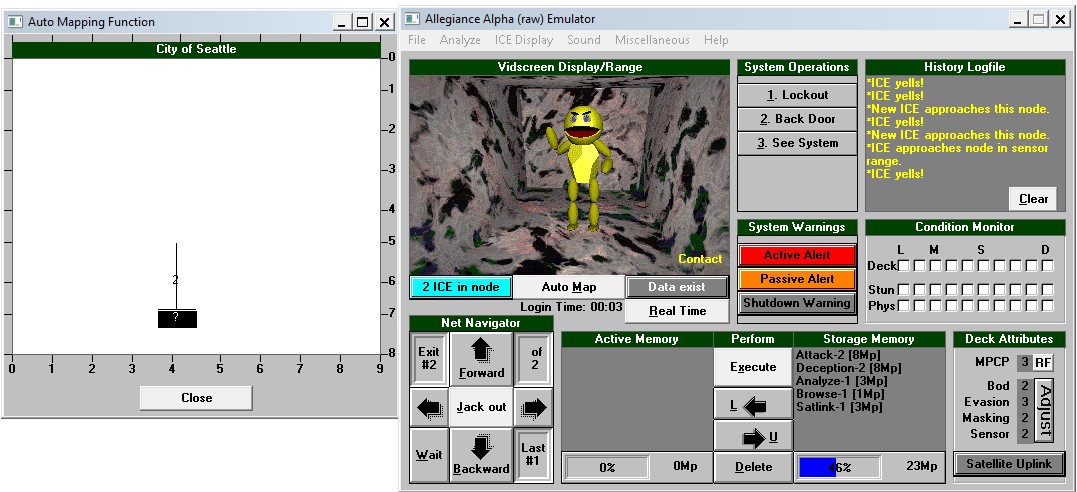
1. The Cyberspace Emulator
The centerpiece of the package. This gives you a fully automated decking experience, letting you jack into prebuilt LTGs created in the Matrix Construction Set and run through them in real time. It’s as close as you are going to get to feeling like you are actually behind the deck.
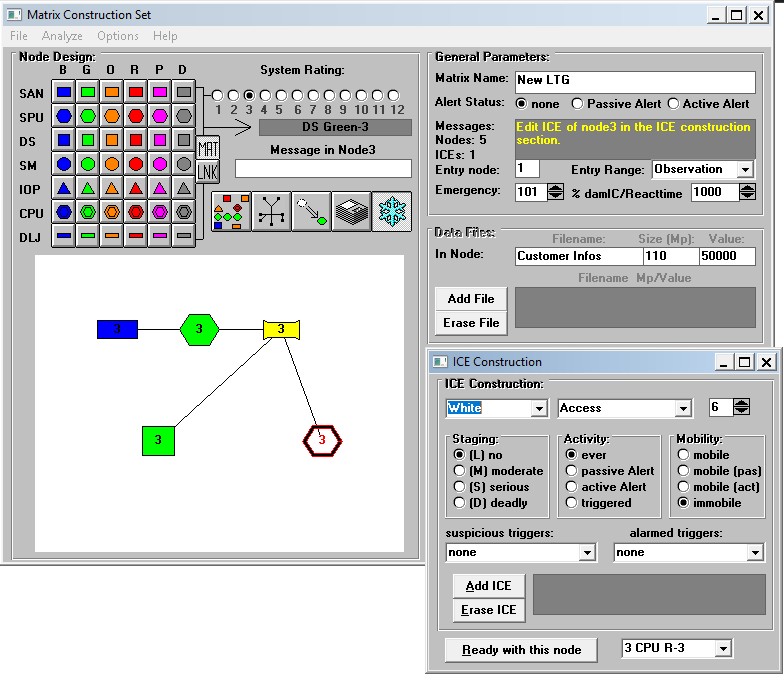
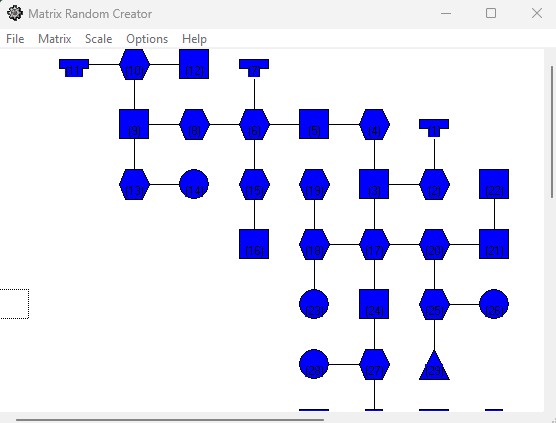
2. The Matrix Construction Set
A graphical node editor. You lay out your LTGs visually — placing nodes, ICE, and datastores — and then hand the whole thing off to the Cyberspace Emulator for your players to run. Great for GMs who want to give their deckers a proper run rather than just rolling dice across the table.
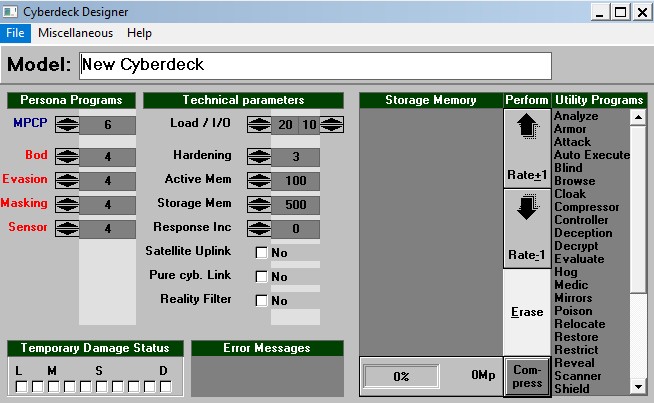
3. The Cyberdeck Designer
Build your own cyberdecks from scratch using the SR2 rules. If your decker has opinions about their hardware (and they should), this is the tool to spec it all out before the run.
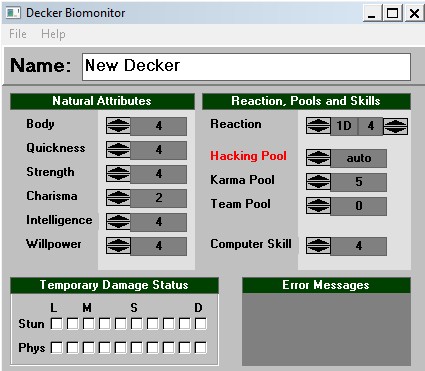
4. The Decker Biomonitor
Tracks and manages your decker’s physical stats while they are jacked in. Because biofeedback is real, chummer, and someone has to watch your meat while your mind is in the system.
Running It Today
This was built for Windows 3.x and 95, so getting it running on a modern machine takes a little work. The good news is it absolutely still runs today — you just need winevdm, which adds support for legacy 16-bit Windows applications on 64-bit systems. Install it, point it at the executable, and you are in business. This is also useful for other programs on the software page if they are no longer runnable on Windows 10 or 11.
You can also grab the zip from the Software and Tools page under the 1st and 2nd Edition section.
-D